
Installation Instructions
The Confirmation screen will appear as shown below
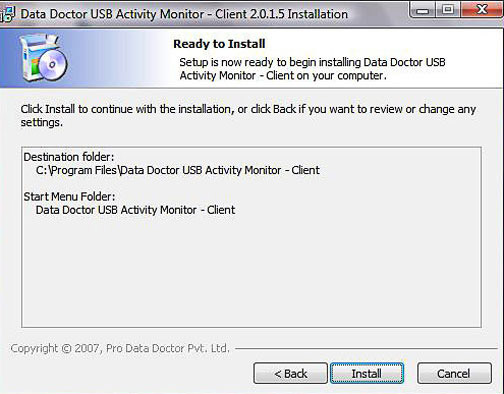
Click “Install” button to continue with the installation, or click “Back” if you want to review or change any settings.
The Setup Completion screen will appear as shown below
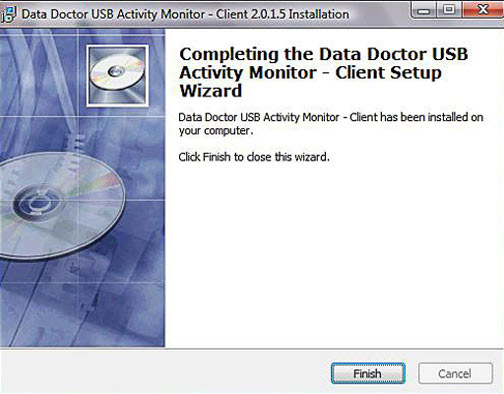
USB Activity Monitor client setup wizard will be successfully installed on your computer system. Click “Finish” to close the window.
Introduction

Software Installation Guide
Software Version Information
Describing the Software
Software Interface Description
Working with Software Modules
License and Ordering
FAQs and Troubleshooting
Getting Assistance
Quick Reference