
Installation Instructions
Following steps should be taken while installing USB Data Theft Protection Tool for Windows network on Client machine.
Install the downloaded software by clicking the "Setup" file from the location where you have saved USB Activity Monitor Software.
Log on to client machine through Administrator account to ensure full access of administrative rights necessary for successful installation and working of the software.
Install Location screen will appear as shown below
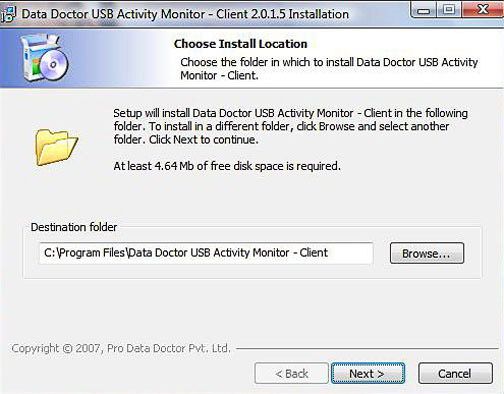
Browse the destination folder path where the software should be saved and click “Next” to proceed further.
The Installation screen will appear as shown below
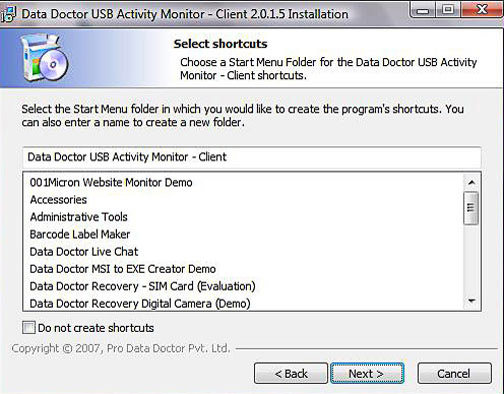
Select the Start Menu folder in which you would like to create the program`s shortcuts. You can also enter a name to create a new folder. Click “Next” to proceed.
