
Installation Instructions
The Confirmation screen as shown below will appear
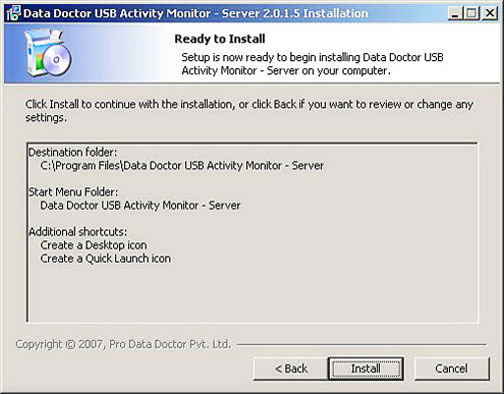
Click “Install” to continue with the installation, or click “Back” button if you want to review or change any settings.
Processing Screen for installation will appear as shown below
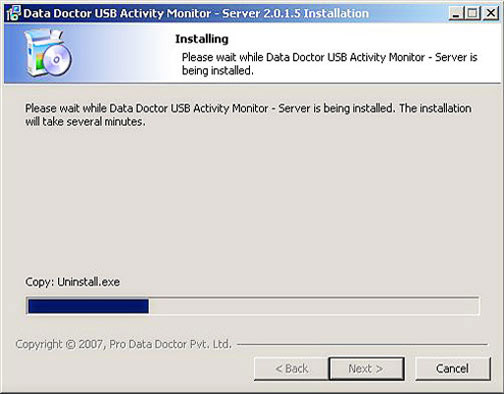
Please wait while USB Activity Monitor-Server is being installed. The installation will take several minutes.
Introduction

Software Installation Guide
Software Version Information
Describing the Software
Software Interface Description
Working with Software Modules
License and Ordering
FAQs and Troubleshooting
Getting Assistance
Quick Reference