
Installation Instructions
The subsequent window will appear as shown below:
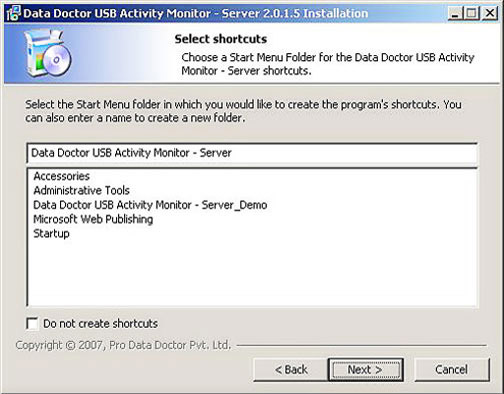
Select Start Menu Folder in which you would like to create the program`s shortcuts. You can also enter a name to create a new folder. Click “Next” to proceed.
The screen will appear as show below
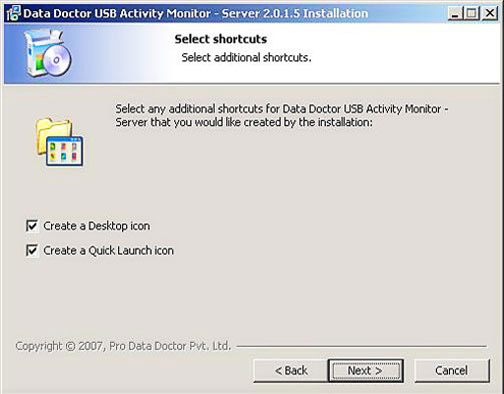
Select Shortcuts (Desktop icon or Quick Launch icon) for the software to make it highly interactive for user and click “Next” to continue the installation process for Server machine.
Introduction

Software Installation Guide
Software Version Information
Describing the Software
Software Interface Description
Working with Software Modules
License and Ordering
FAQs and Troubleshooting
Getting Assistance
Quick Reference