
Installation Instructions
Step2-> After clicking “Next” button, following installation window appears:
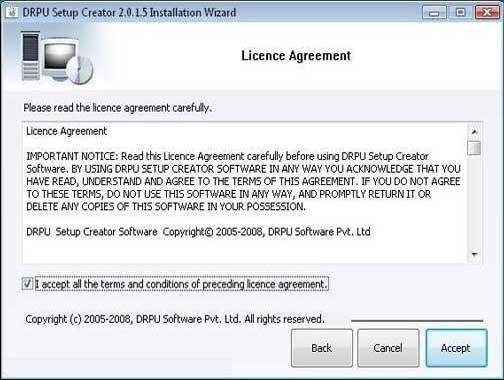
This screen provides the information about End User Licence Agreement terms before installing Setup package creator software.
Click on “Accept” button for further software installation process.
Step3-> After clicking on “Accept” button, the “Installation Location” screen will be appeared:
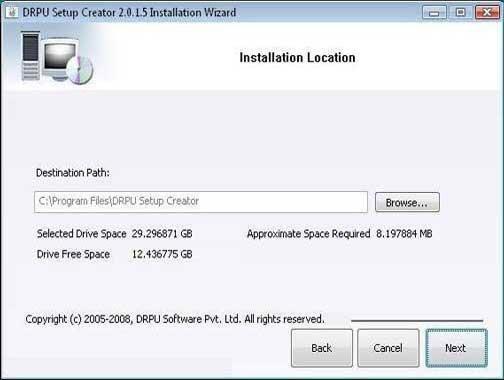
Setup will be installed in appearing destination path. Click on “Browse” button if you want to change the installation path.
Click on “Next” button to continue the process.
Introduction

Software Installation Guide
Software Version Information
Describing the Software
Software Working Description
License and Ordering
FAQs and Troubleshooting
Getting Assistance
Quick Reference