
Database Conversion Process
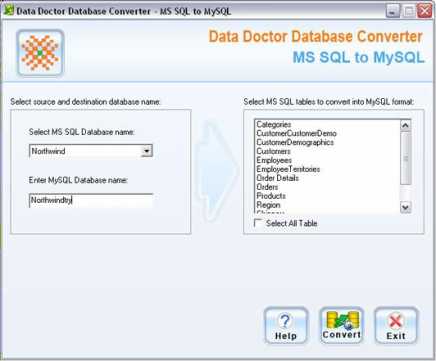
On left panel of the screen, you need to select source and destination database name.
-
Select MSSQL Database Name
In this field you need to select MSSQL database name which is to be converted in MySQL database server. Enter MySQL Database Name
Specify the destination (MySQL) database name in which the source database will be converted. By default destination database is same as source database.
On right panel of screen, total number of tables will be displayed according to source database.
- You can select entire tables by just clicking on “Select All” check box or can select the particular records which are to be converted.
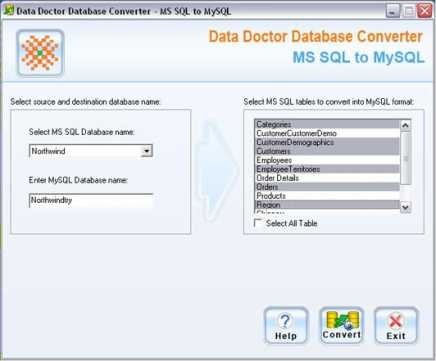
After selecting the records, click on “Convert” button to convert the records.
On clicking “Convert” button, the following Conversion Process screen will be appeared:
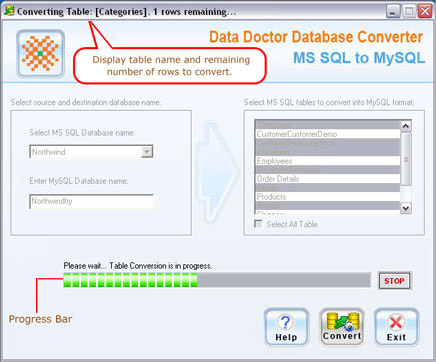
Now the conversion process has been started. Progress bar shows the database conversion progress. You can stop the database conversion process according to your need.
After completing the database conversion process, a message appears “MSSQL to MySQL Database Conversion Successfully Completed”.
Now, you can use and work with converted MySQL database records.
