
How to Print the Barcode Labels
You can print Barcode Labels using any of the options listed below:
Option-1
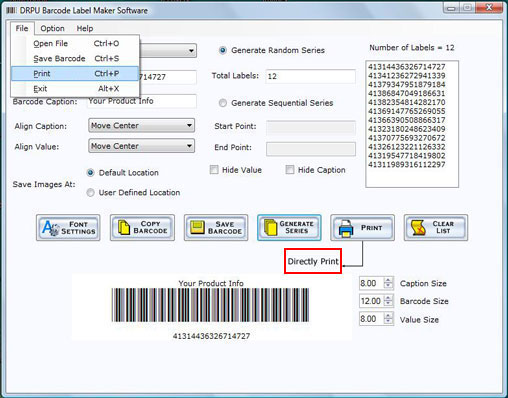
- Click on the “File Menu” and select “Print ” option to print Barcode Labels in form of asset tags, Stickers via barcode printers as shown below.
Option-2
- Click on the “PRINT” button of the wizard to directly print the Barcode Label as shown below:
Introduction

Software Installation Guide
Software Version Information
Describing the Software
Software Interface Description
Working with Software
License and Ordering
FAQs and Troubleshooting
Getting Assistance
Quick Reference