
Completing MS Access to My SQL database converter software installation
Installation Instructions
Step6-> On clicking “Install” button, the following screen will be appeared:
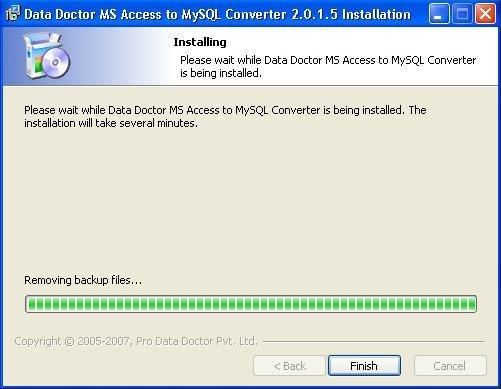
Please wait while the software is being installed.
Step7-> After installation of the software, the following screen will be appeared:
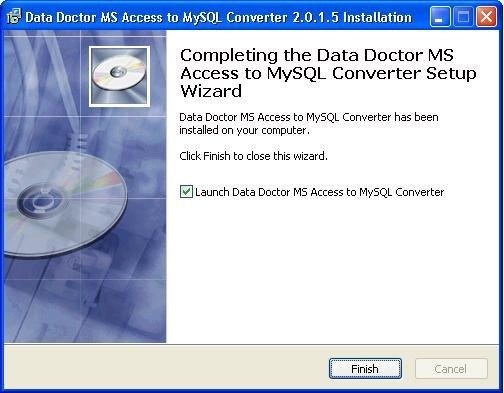
Now MS Access to MySQL database converter software has been installed on your computer. Click on “Finish” button to close this installation wizard.
Avoid any Conflicts while installing the Software
When you install the software, sometimes installation process is not completed due to interfering of any other program. In order to make sure, it is not happening again then close all other programs while installing the software.
If you get any interruption during installation of the software then feel free to contact us
