
Step by step installation instruction for MS Access to MySQL database converter software
Installation Instructions
Step2-> After clicking on “I Agree” button, the “Choose Install Location” screen will be appeared:
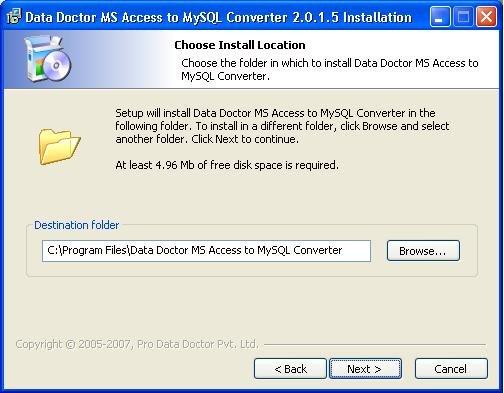
Setup will install in appearing destination folder. Click on “Browse” button if you want to change the installation path.
Click on “Next” button to continue the process.
Step3-> On clicking “Next” button, the “Select Shortcut” screen will be appeared:
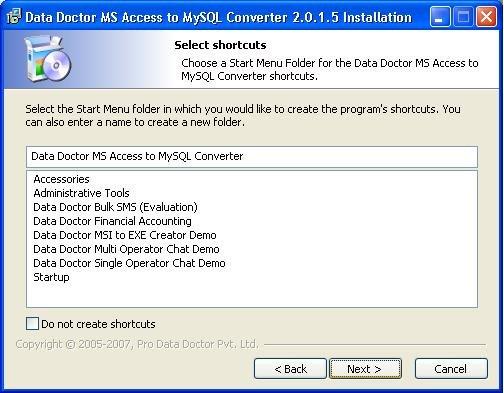
You can select or create the folder name by which the program will be appeared in Start Menu after installation.
Click on “Next” button to continue the process.
Introduction

Software Installation Guide
Software Version Information
Describing the Software
Working with Software
License and Ordering
FAQs and Troubleshooting
Getting Assistance
Quick Reference