
About Financial Accounting Software (Standard Edition)
Step2-> On clicking “Next” button, the Select Installation Folder screen will be appeared:
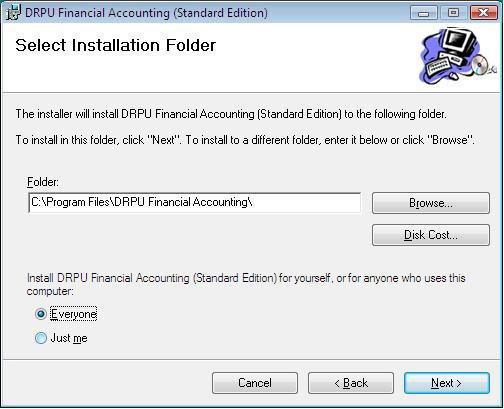
You need to browse the path where you want to save the program after installation.
Now click on “Next” button to continue the process.
Step3-> After clicking “Next” button, the Confirm Installation screen will be appeared:
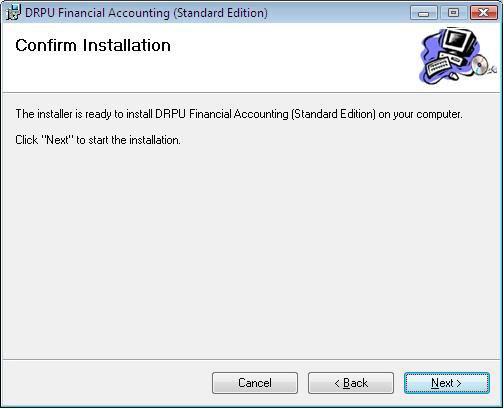
This wizard provides the confirmation that software is going to install on your computer. Click on “Next” button to start the installation.
Introduction

Software Installation Guide
Software Version Information
Software Interface Description
Working with Software Modules
Advance Software Features
License and Ordering
FAQs and Troubleshooting
Getting Assistance
Quick Reference